Simple management
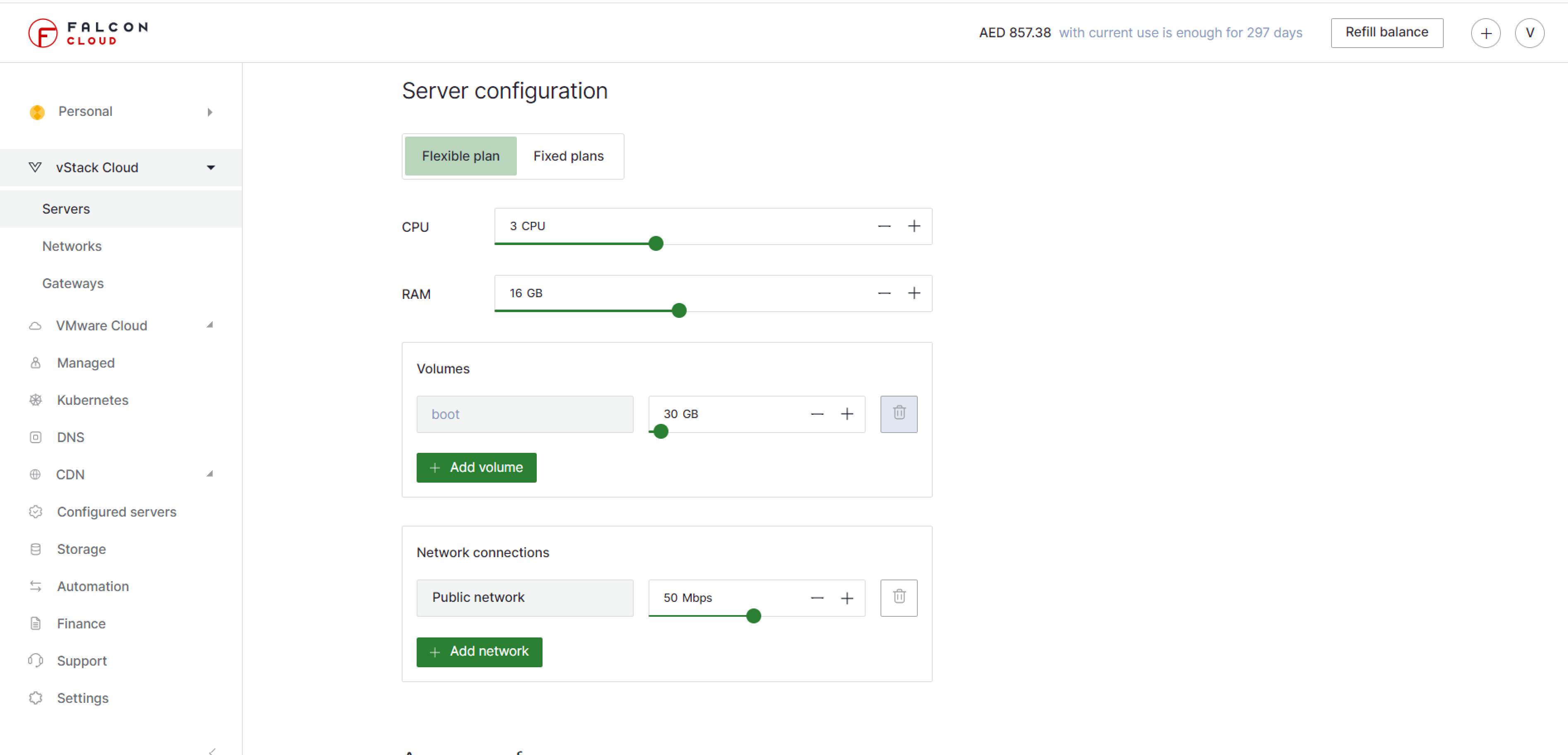
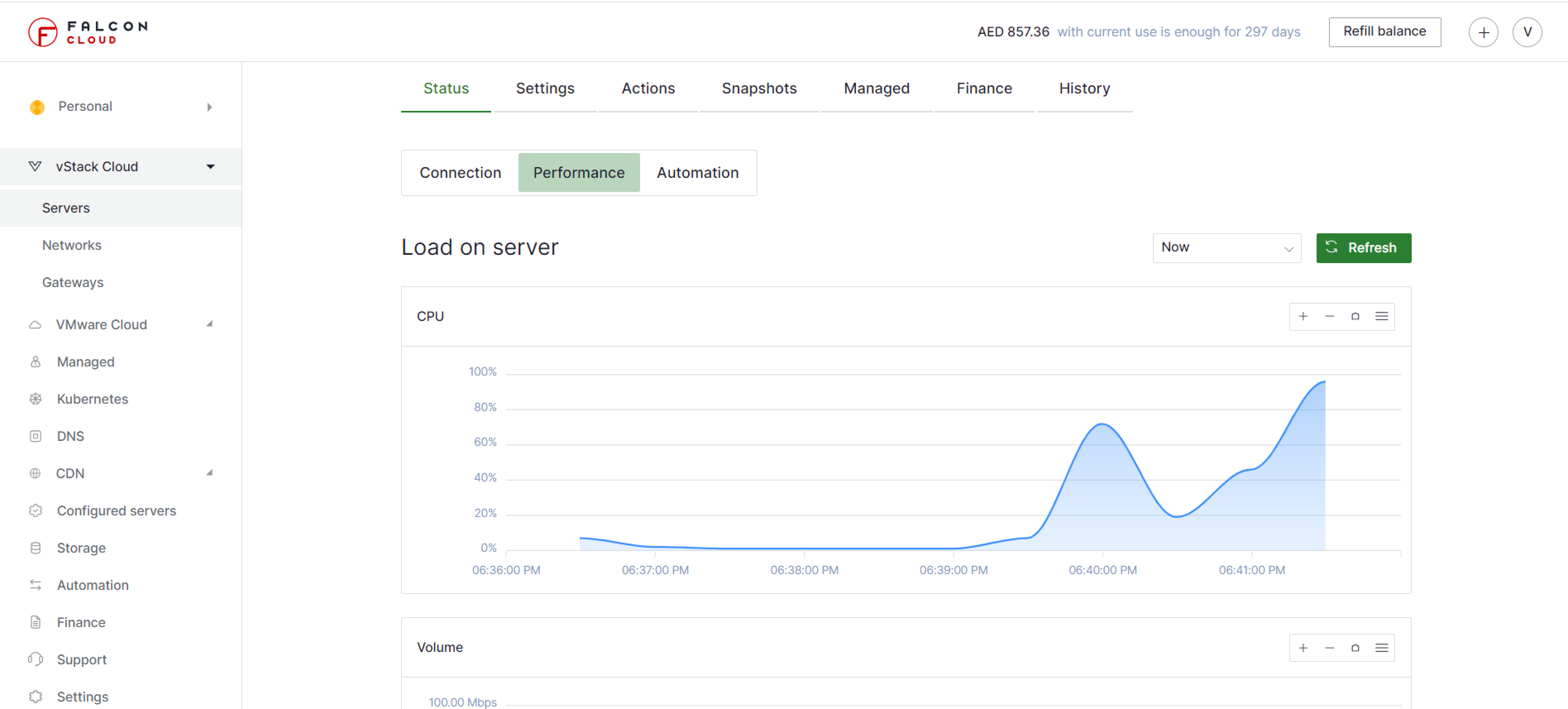
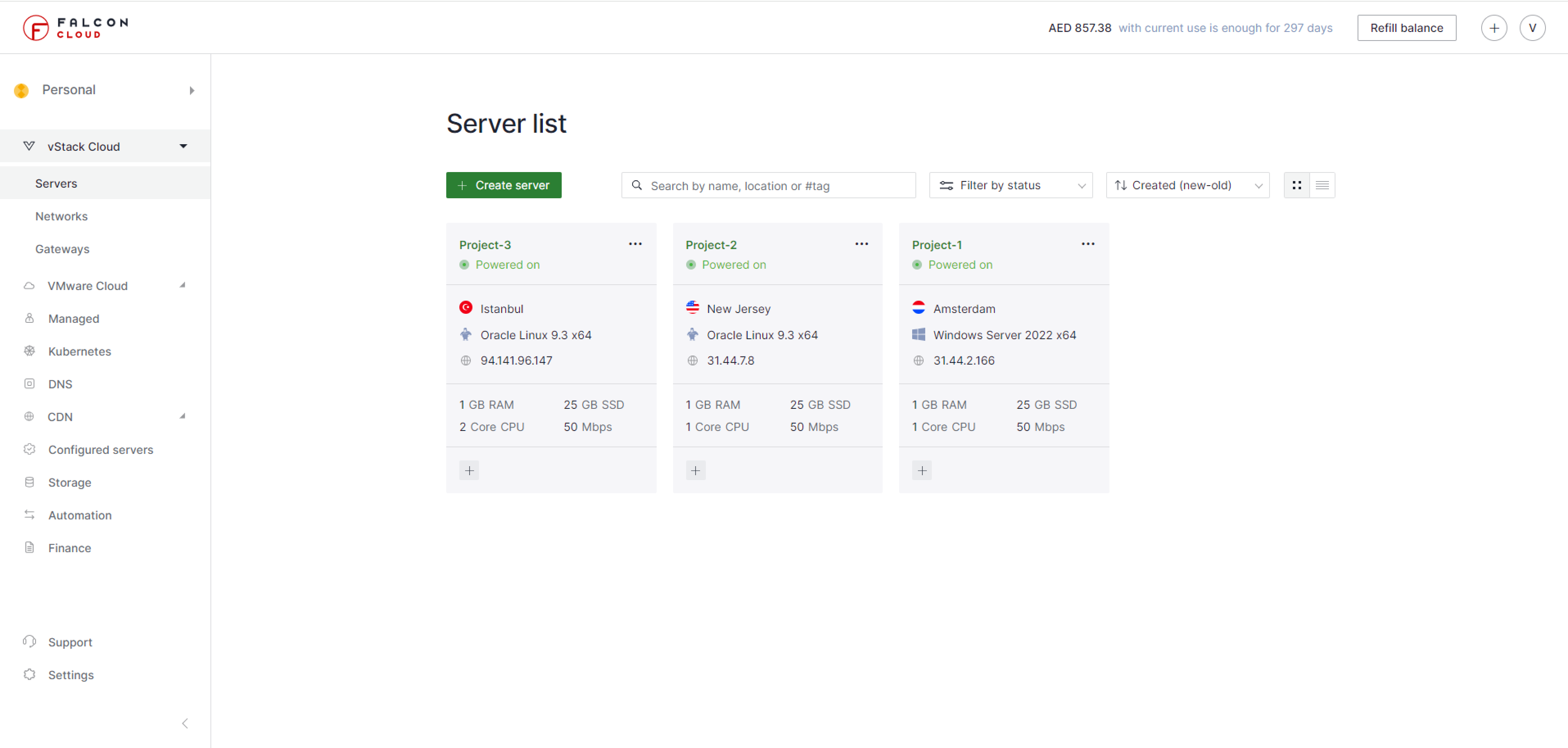
In the control panel you will find everything you need. Add services, monitor costs, and manage cloud infrastructure in a single interface.
Simplify cloud infrastructure management with the Falconcloud control panel.
Managing cloud projects has never been so enjoyable. It's lightning-fast and stunning simple.
In the control panel you will find everything you need. Add services, monitor costs, and manage cloud infrastructure in a single interface.
We have created our control panel according to the modern UI-design standards. Both professionals and amateurs can easily master it.
The control panel is designed within the Single Page Application architecture. After the first page has been loaded, all pages load instantly, without lag. Focus entirely on your project.
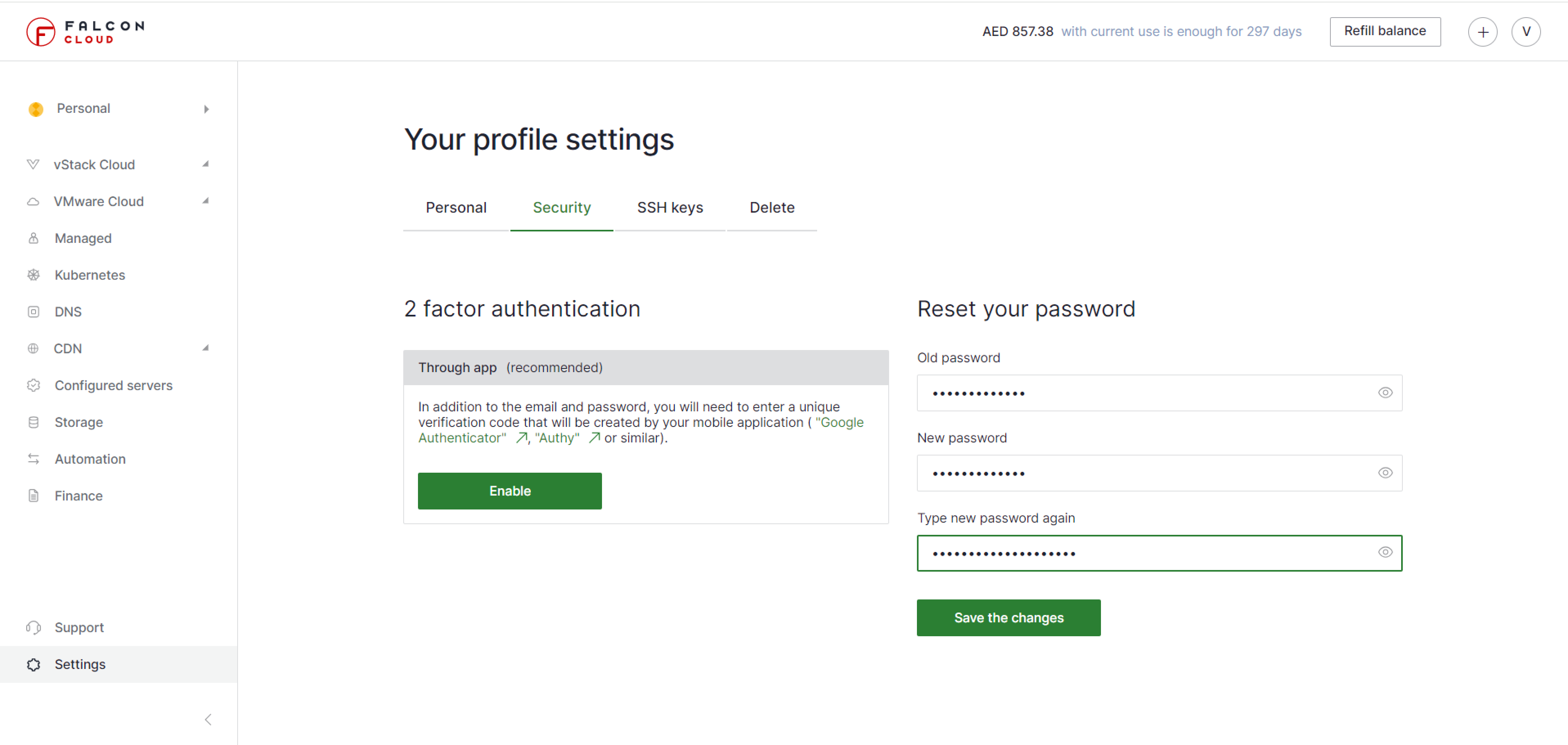
We bring you the best options for protecting your control panel. You can set up two-factor authentication via mobile app or SMS, right in the panel settings.
In the control panel you will find everything you need. Add services, monitor costs, and manage cloud infrastructure in a single interface.
We have created our control panel according to the modern UI-design standards. Both professionals and amateurs can easily master it.
The control panel is designed within the Single Page Application architecture. After the first page has been loaded, all pages load instantly, without lag. Focus entirely on your project.
We bring you the best options for protecting your control panel. You can set up two-factor authentication via mobile app or SMS, right in the panel settings.
We accept credit cards, PayPal and Eversacle. No linked credit card is required.
Control charges in one place and pay only for the services you use.
Create a request using a simple ticketing system and our team will contact you.
What can I manage in the Falconcloud control panel?
In the Falconcloud control panel, you can create and manage cloud services, monitor infrastructure costs, configure resources, and work with your cloud environment from a single interface. The panel is designed for daily cloud infrastructure management without switching between multiple tools.
How does the Falconcloud control panel help control cloud costs?
The control panel shows service charges in one place and helps track active resources. This makes it easier to understand what you are paying for, manage usage, and adjust infrastructure when project requirements change.
Can I protect my Falconcloud account with two-factor authentication?
Yes. Falconcloud supports two-factor authentication in the control panel. You can enable 2FA through a mobile app or SMS to add an extra security layer for account access and cloud infrastructure management.
Is technical support available through the control panel?
You can create a support request directly from the Falconcloud control panel. The ticketing system helps contact the support team when you need assistance with services, configuration, billing, or cloud infrastructure questions.