Virtual machine hosting
Deploy cloud virtual machines with Falconcloud and configure the computing parameters according to specific workload requirements. Select an OS, administer instance parameters, then scale computing capacity when the application expands.

Fast setup

Simple to deploy

24/7 Support
How does virtual machine hosting function?
Falconcloud enables customers to launch cloud-based VMs with dedicated virtual resources. Choose an operating system, configure CPU, RAM, plus disk capacity, then administer the instance using the management dashboard.
- Flexible configuration — select resources that match your workload.
- Full server control — administer the OS, software, plus system settings.
- Easy scaling — adjust computing capacity whenever workload requirements change.
- Global infrastructure — launch VM instances across available data center locations.
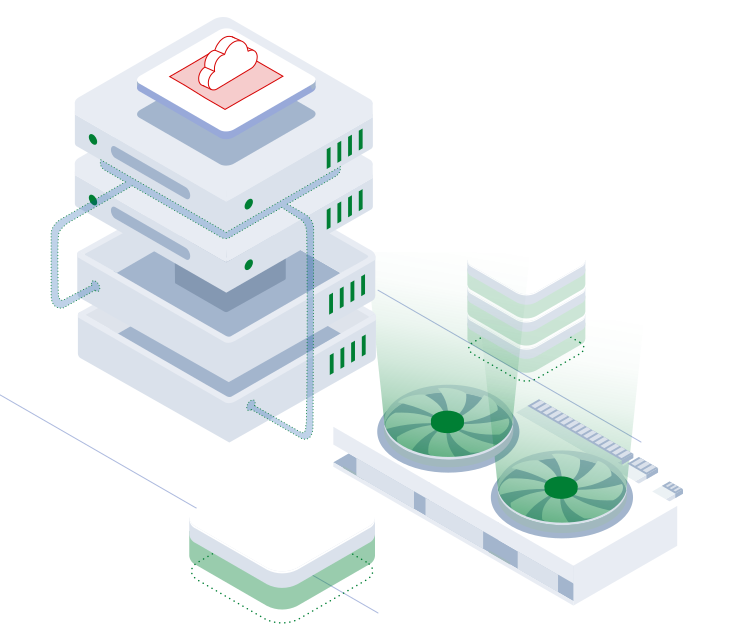
Recommended VM configurations
Begin by selecting a small-scale server instance to run simple projects or allocate additional processing power, memory, and storage capacity to support more demanding applications.
Development & testing
Suitable for test environments, prototypes, and lightweight applications.
Web applications
A configuration for business websites, web services, and growing projects.
Business workloads
Designed for business applications, databases, and demanding workloads.
Discover key benefits of Falconcloud
Adaptable virtual machine hosting offering customizable resources, straightforward capacity adjustments, plus cloud infrastructure built for different workloads.
Global hosting regions
Deploy cloud-based VMs with Ubuntu, Debian, Windows Server, or other available operating systems. Configure your environment while installing software that the application requires.


Referral program
Receive 20% cashback on payments made by referred customers during their first year. Cashback can be credited to your Falconcloud account balance or paid out to a card according to the program terms.

Create your account in Falconcloud. No long-term contracts or obligations are required.

Promote Falconcloud with ready-to-use marketing materials created for partners.

Invite new clients to Falconcloud and receive 20% cashback from their payments during the first year.
FAQ
What exactly is virtual machine hosting?
Virtual machine hosting supports launching isolated VM instances using cloud-based resources instead of purchasing on-premises equipment. With Falconcloud, customers can provision a cloud VM, define processor capacity, memory, and disk space, then administer the OS and installed software independently.
Is it possible to select an OS for my cloud VM?
Yes. Falconcloud supports virtual machines running Microsoft Windows Server, Ubuntu, Debian, alongside additional available OS distributions. Customers may choose an OS while provisioning an instance, then adjust installed software and system parameters according to their project requirements.
Can I scale my virtual machine as my workload grows?
Yes. Falconcloud enables customers to modify processor allocation, memory, plus disk capacity according to individual application requirements. This makes virtual machine hosting practical in software testing setups, business applications, plus projects experiencing variable computing demands.
How much does it cost to rent a virtual machine?
The virtual machine cost varies according to allocated processing power, installed memory, disk capacity, the OS, plus the chosen deployment region. Falconcloud provides flexible cloud billing, enabling customers to cover allocated processing resources without purchasing dedicated hardware.
