







Clear Web Interface
Launch GPU-accelerated virtual machines from a single control panel. Choose your server configuration, attach an NVIDIA A16 GPU profile, and manage your cloud infrastructure as your workloads evolve.
Scalable cloud GPU for AI, rendering, and VDI
Deploy a high-performance GPU cloud server on VMware infrastructure and run accelerated workloads for AI inference, virtual desktop infrastructure, rendering, 3D graphics, and development tasks.

Fast setup

Simple to deploy

24/7 support
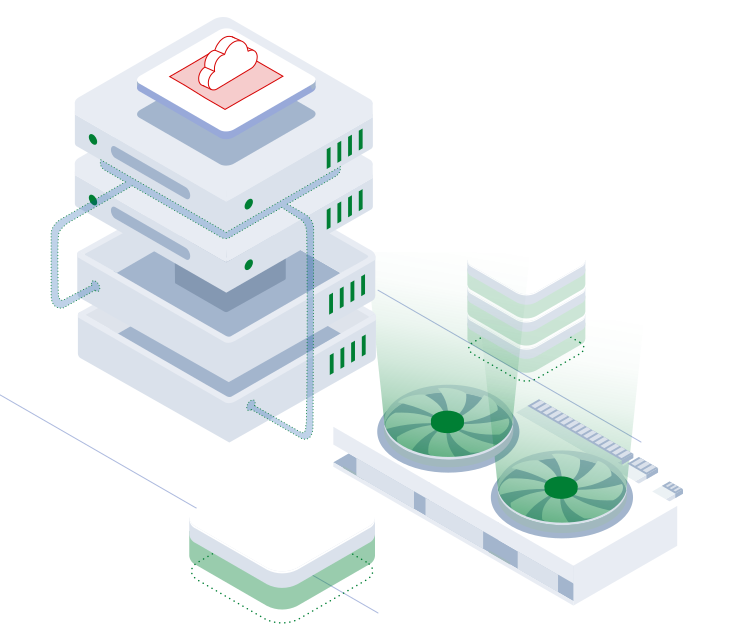
GPU cloud servers add hardware acceleration for AI inference, VDI, rendering, engineering software, visualization, and graphics workloads.
With Falconcloud, you get VMware virtual machines with NVIDIA A16 profiles, scalable CPU, RAM, storage, and GPU resources, plus fast deployment through the control panel.
Run GPU-powered applications without purchasing or maintaining dedicated hardware.
Select 4 GB, 8 GB, or 16 GB of GPU memory based on your workload instead of renting a full physical GPU.
Deploy GPU-powered virtual machines for VDI, remote workstations, inference, testing, visualization, and graphics workloads.
Coming Soon
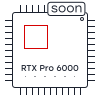
Falconcloud plans to add NVIDIA RTX Pro 6000 Blackwell profiles for more demanding AI, rendering, simulation, and graphics tasks.
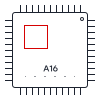
Falconcloud GPU servers run on VMware infrastructure and are designed for a wide range of GPU-accelerated workloads. NVIDIA A16 profiles are available today for virtual desktops, visualization, and entry-level AI tasks. NVIDIA RTX Pro 6000 Blackwell support will be added in a future release.
Designed for virtual desktop infrastructure (VDI), remote workstations, engineering software, visualization, and entry-level AI inference. Available with multiple GPU memory profiles to match different workload requirements.
Coming Soon
The NVIDIA RTX Pro 6000 Blackwell series will provide additional GPU options for AI, GenAI, rendering, simulation, and other compute-intensive workloads. Availability will be announced in a future update.
There is no need to rent an entire physical GPU. With Falconcloud, you can select the NVIDIA A16 profile that matches your workload and pay only for the allocated video memory.
GPU usage is charged in advance at the beginning of each hour. The remaining virtual machine resources follow Falconcloud’s standard pay-as-you-go model and are billed every 10 minutes.
Select a location that fits your project requirements and user geography.
Receive 20% cashback on payments made by referred customers during their first year. Cashback can be credited to your Falconcloud account balance or paid out to a card according to the program terms.
Create your account in Falconcloud. No long-term contracts or obligations are required.
Promote Falconcloud with ready-to-use marketing materials created for partners.
Invite new clients to Falconcloud and receive 20% cashback from their payments during the first year.
Run GPU-accelerated workloads on enterprise cloud infrastructure with transparent pricing, human support, and the flexibility to scale as your projects grow.
Launch GPU-accelerated virtual machines from a single control panel. Choose your server configuration, attach an NVIDIA A16 GPU profile, and manage your cloud infrastructure as your workloads evolve.
Adjust CPU, RAM, storage, networking, and GPU profiles whenever your workload changes, without migrating to new hardware.
Pay only for the GPU and cloud resources you use. Virtual machine resources are billed every 10 minutes, while GPU usage is charged hourly.
What workloads are suitable for NVIDIA A16?
NVIDIA A16 is designed for virtual desktops (VDI), remote workstations, entry-level AI inference, testing environments, and graphics acceleration. It is a practical choice for organizations that need GPU performance for multiple users without deploying dedicated hardware.
Can I change my GPU resources after creating a server?
Yes. You can scale your virtual machine resources as your workload grows. If your project requires a different GPU profile, you can deploy a new configuration that better matches your performance requirements.
How is GPU usage billed?
GPU resources are billed separately from the virtual machine. GPU usage is charged hourly in advance, while CPU, RAM, storage, and other VM resources follow Falconcloud's standard pay-as-you-go billing model with 10-minute accounting.
Will more GPU models be available?
Yes. Falconcloud plans to expand its GPU portfolio over time. NVIDIA A16 is currently available, while NVIDIA RTX Pro 6000 is marked as Coming Soon.
Sign up to deploy gpu